 Radio Remote
Your Yaesu radio, in any browser.
Radio Remote runs on a Raspberry Pi next to your radio and shows the whole front panel as a web page: frequency, meters, memories, filters, digital modes, audio and transmit. Use it from a phone, a tablet or a computer, at home or from anywhere. No cloud account, no app store.
Latest version: 1.1.57
See it in 75 seconds
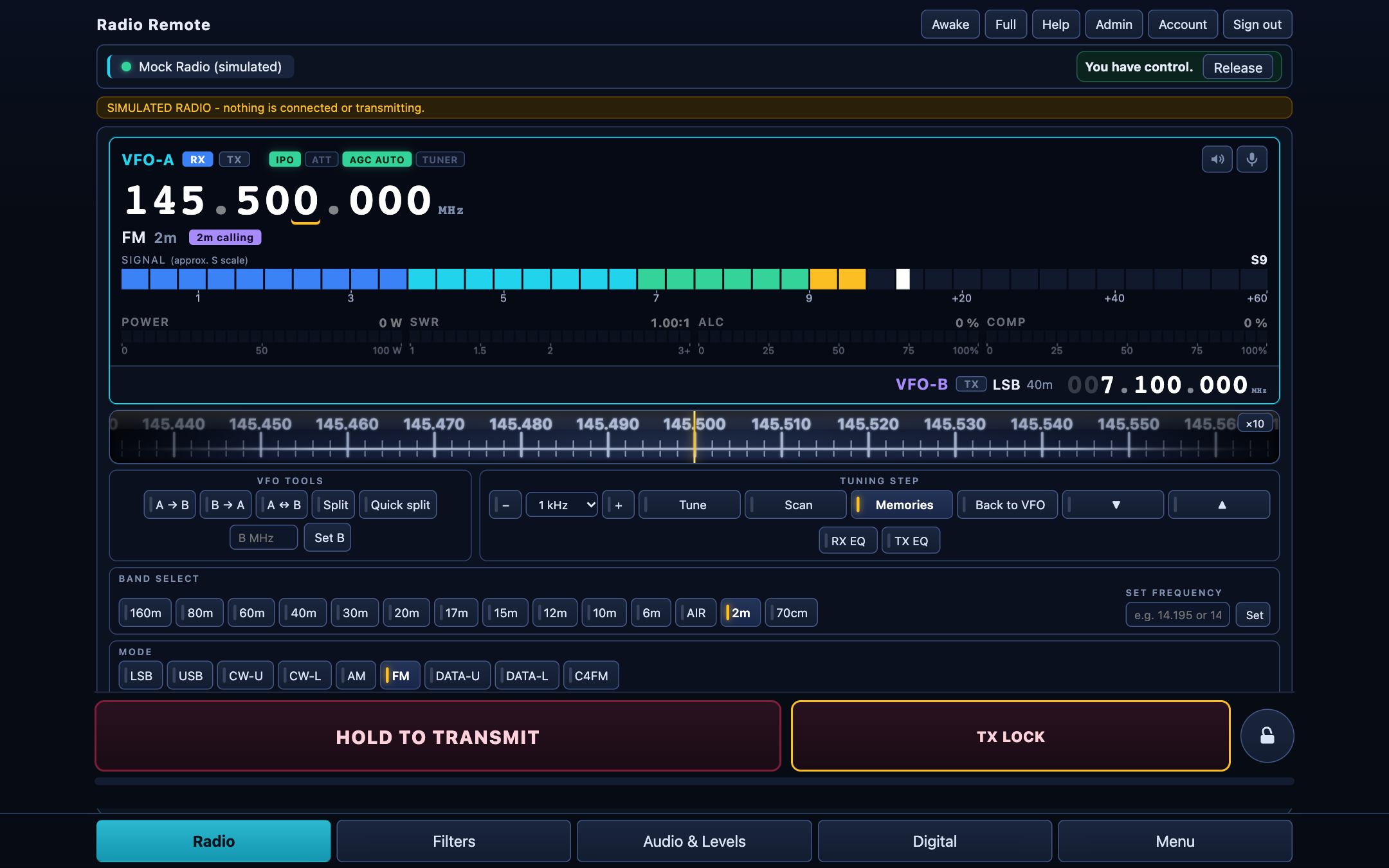
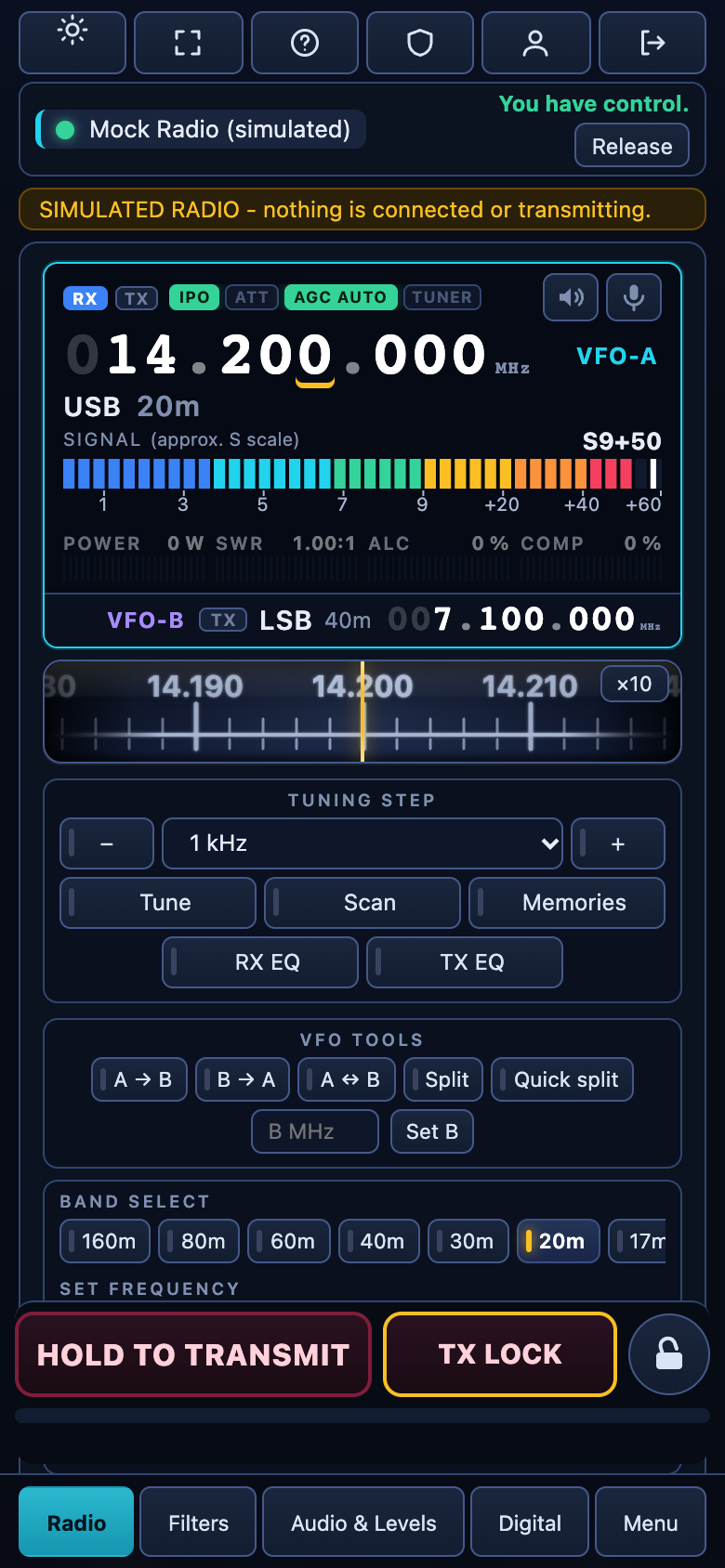
A quick tour of the screens: tuning, memories, filters, audio, the digital modes, the radio's own menu and the admin page. (Recorded with the built-in simulator, so no real radio is transmitting.)
Everything you use at the radio
Not a toy remote: the controls you reach for every day, in one page that works on a phone as well as on a desktop.
◎The full radio screen
Big frequency display, a tuning dial you can drag, S-meter, power, SWR, ALC and compression meters, VFO A and B, split, bands and modes.
♫Listen and talk
Receive audio and use your microphone from the browser, over the network. Equalisers, recorder and level meters included.
★Memories by name
Recall the radio's memory channels, see their names on the main screen, step through them with up and down, and edit them (administrators).
∿Digital modes built in
FreeDV (including the neural RADE modes), FT8 / FT4, JS8Call, SSTV, CW with a keyer and RTTY. Choose the radio's mode for each, like USB, LSB or DATA.
⚙The radio's own menu
Read and change the radio's menu items from the page, with search, a backup and restore, and locks on anything that could cut the link.
🔒Safe to share
Users with roles, one operator in control at a time, a server-side transmit time limit and an audible warning before it. Nothing transmits until an administrator allows it.
A look around
Real screens of version 1.1.57. Tap a tab.
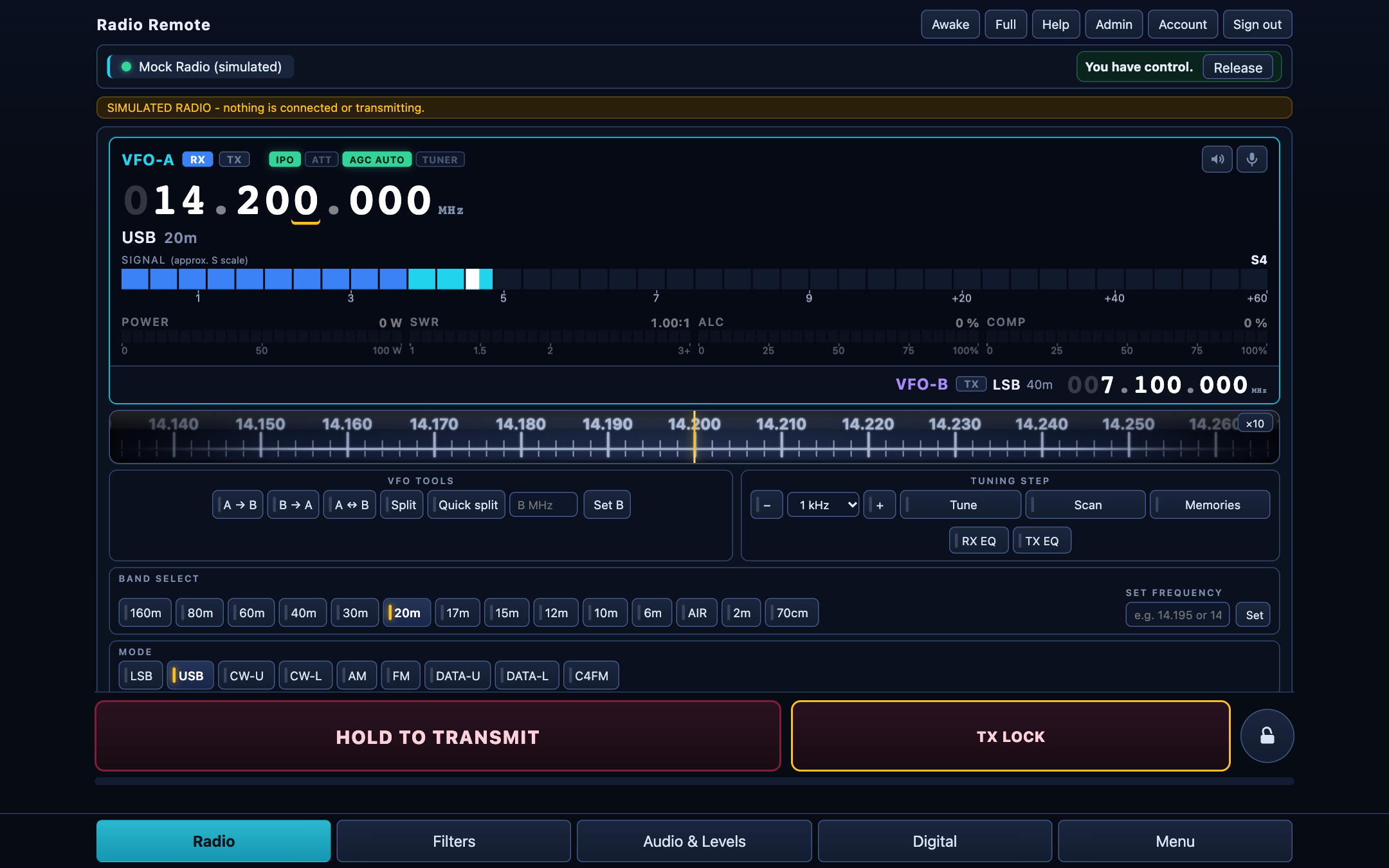
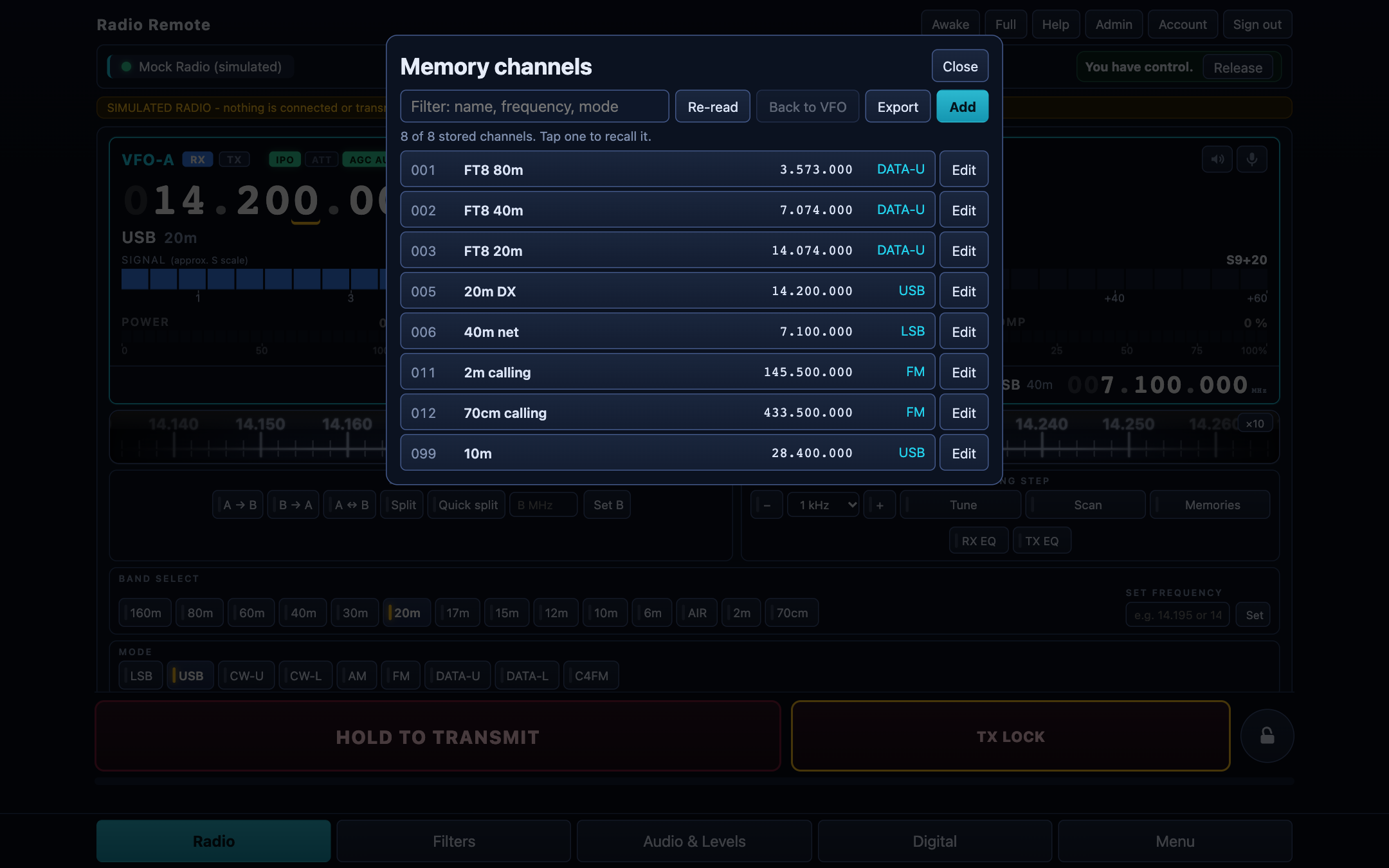
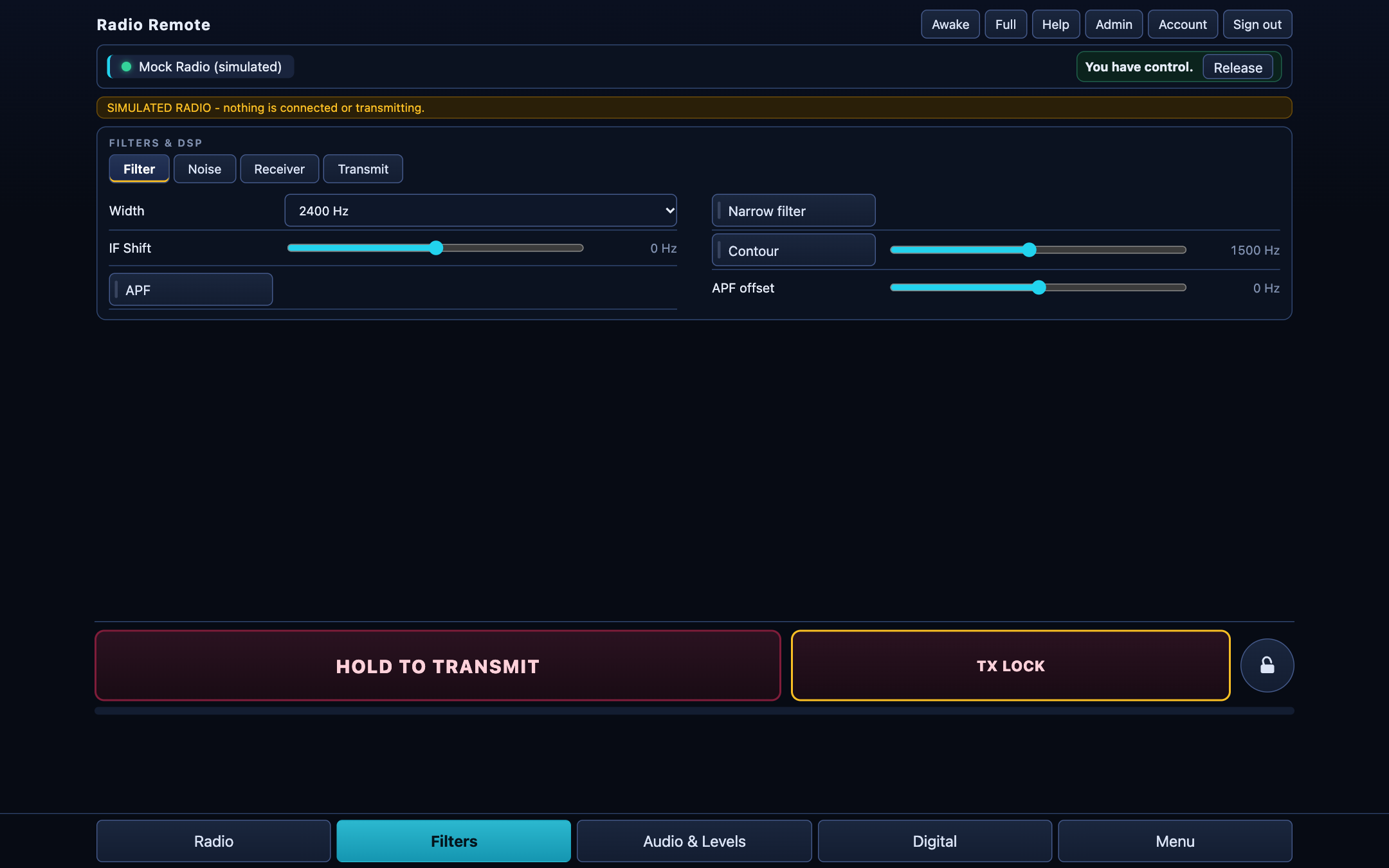
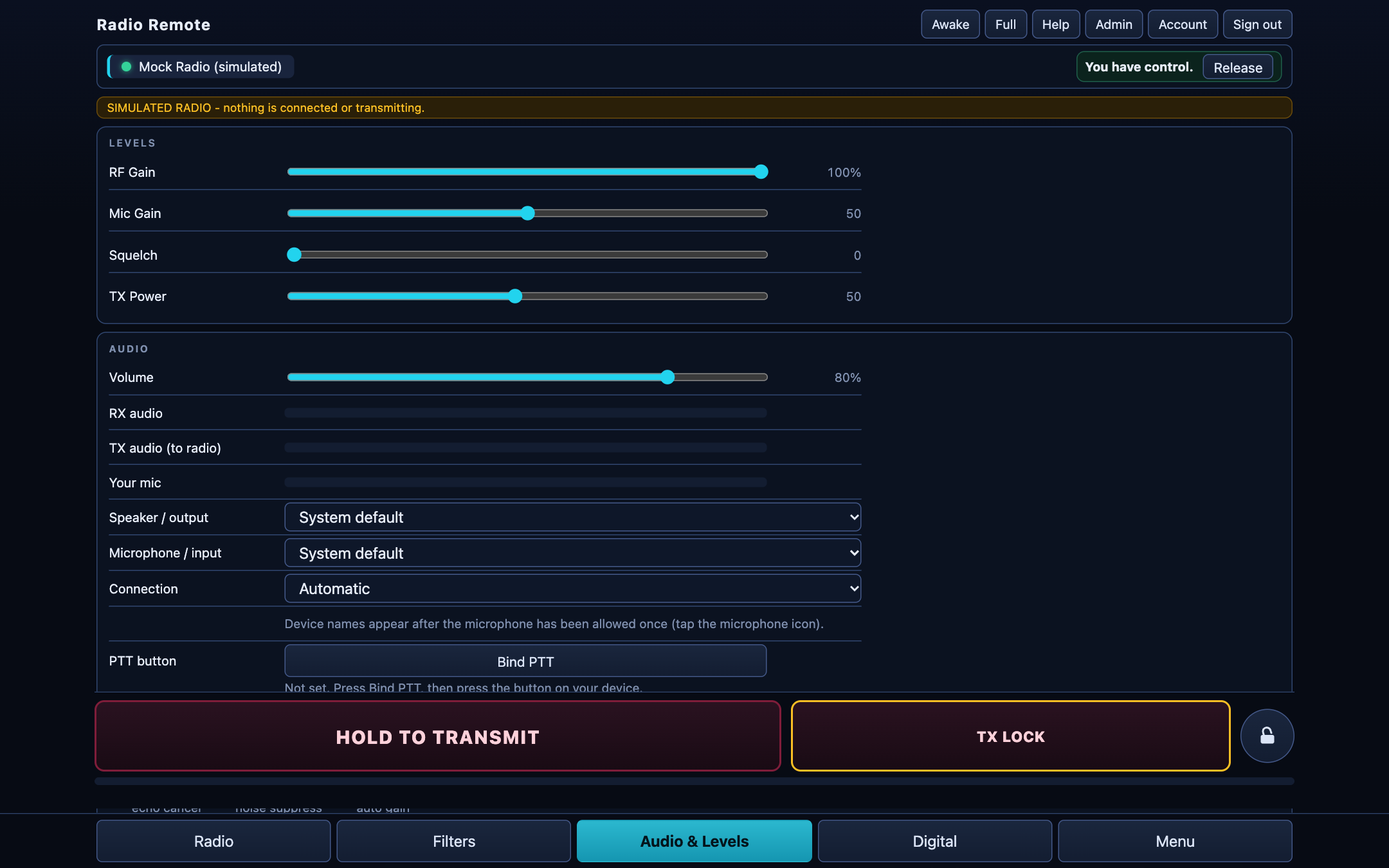
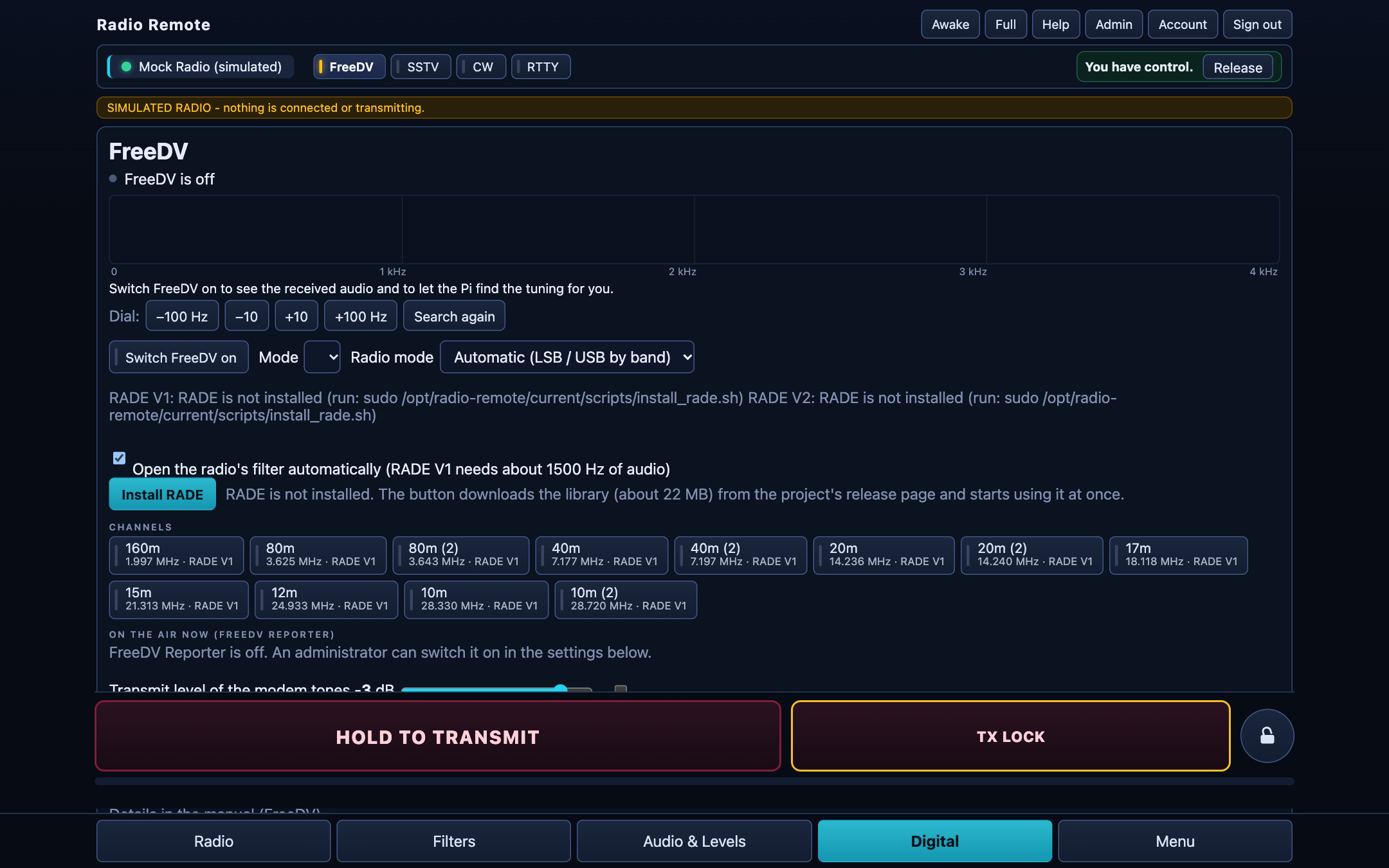
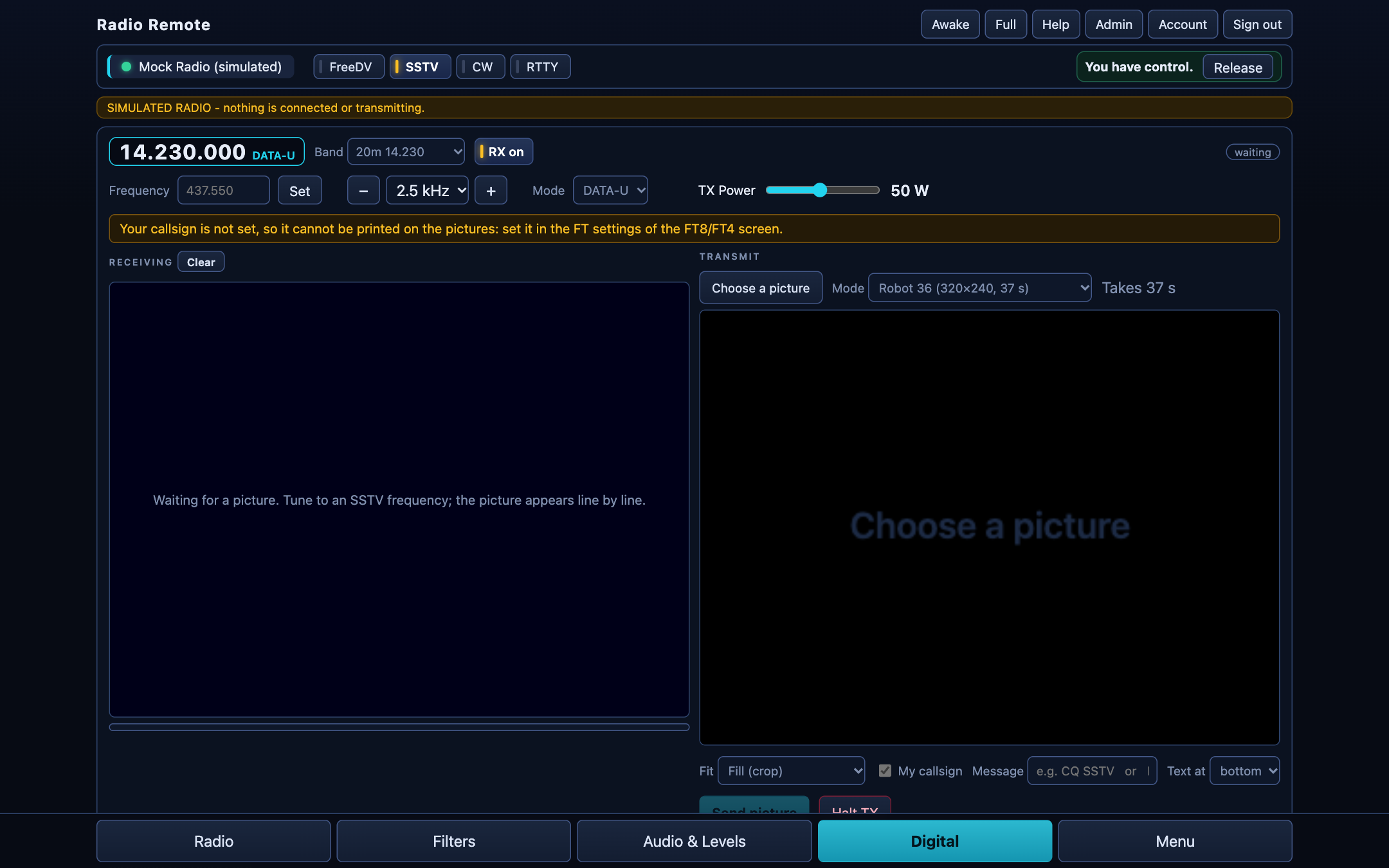
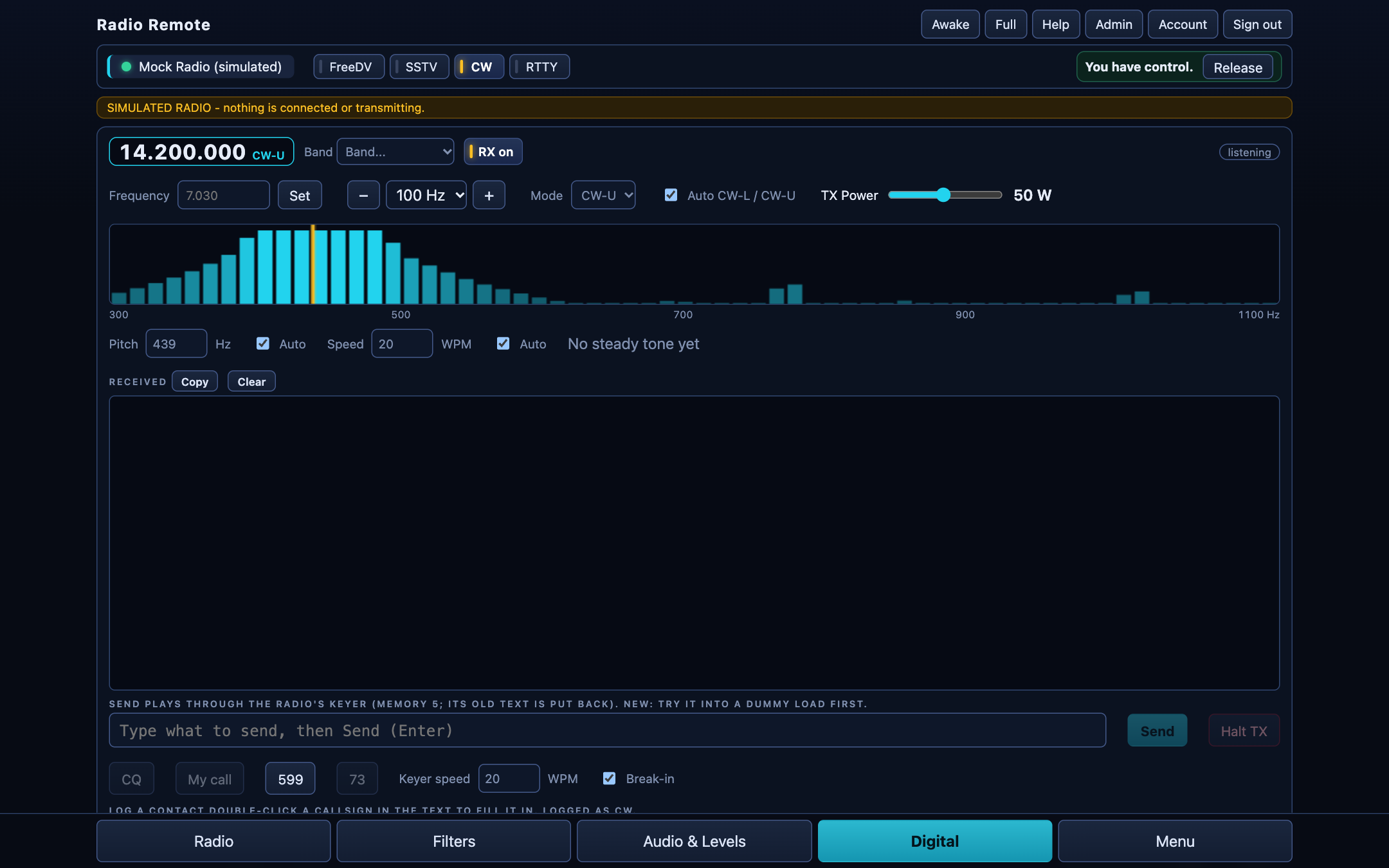
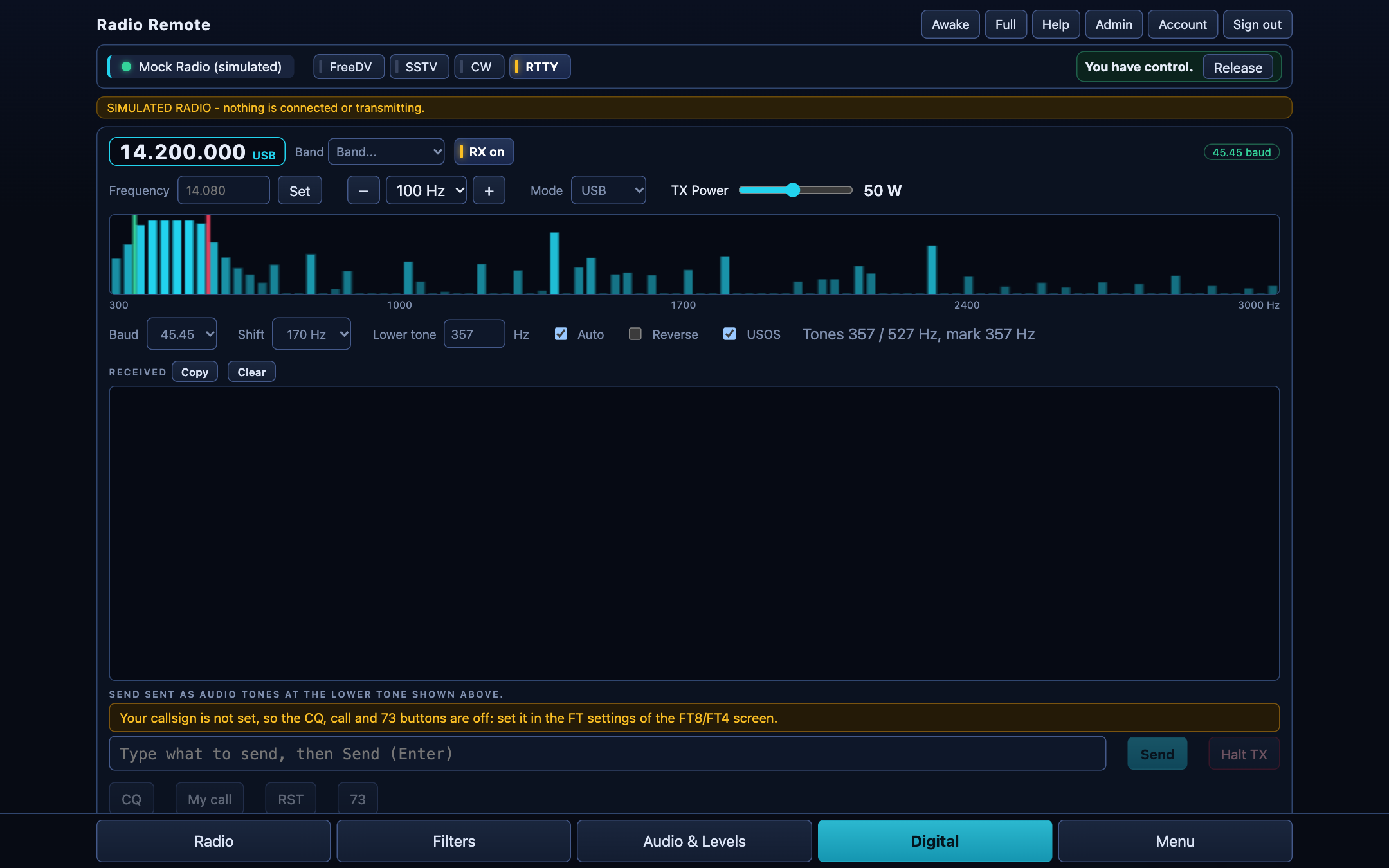
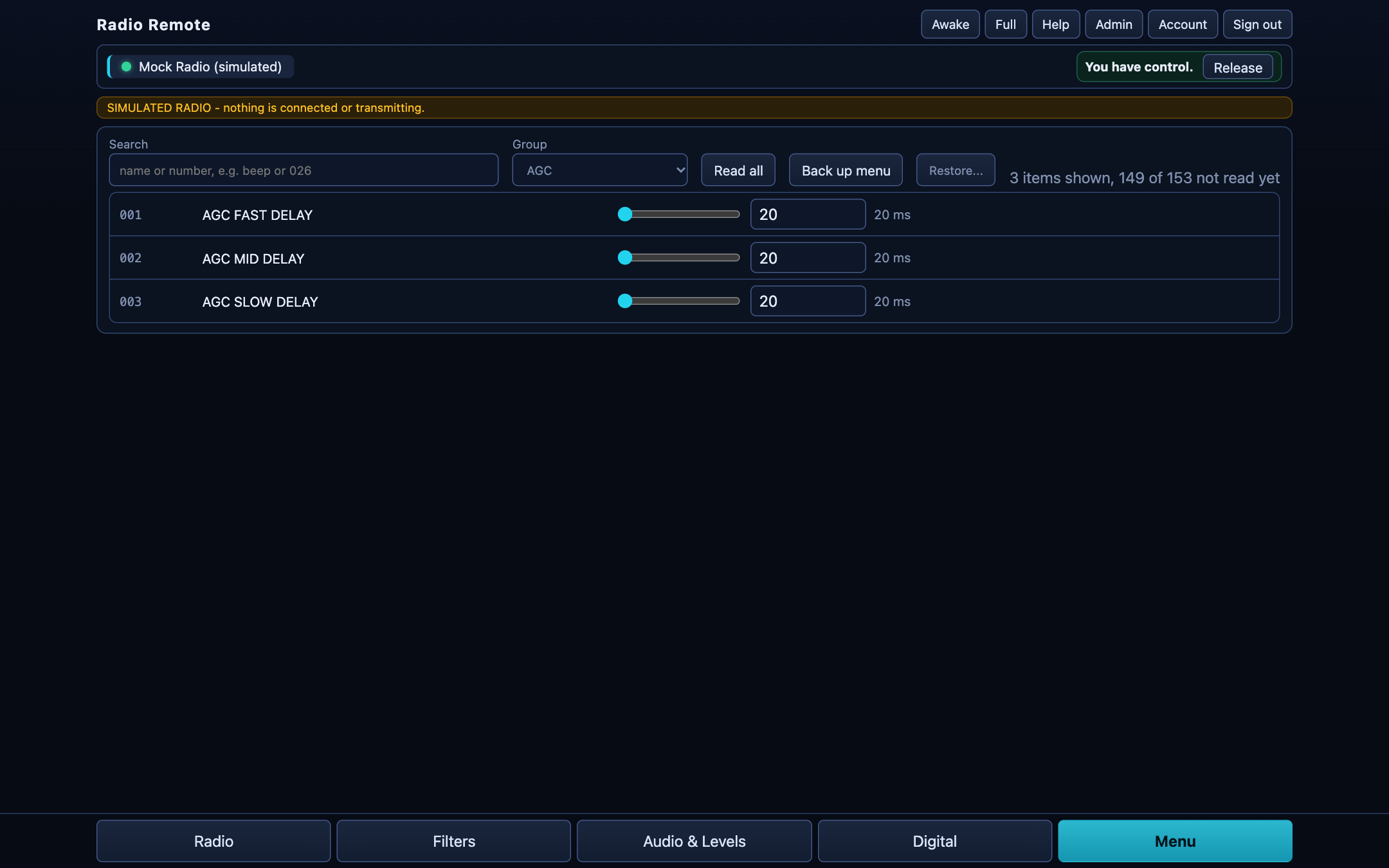
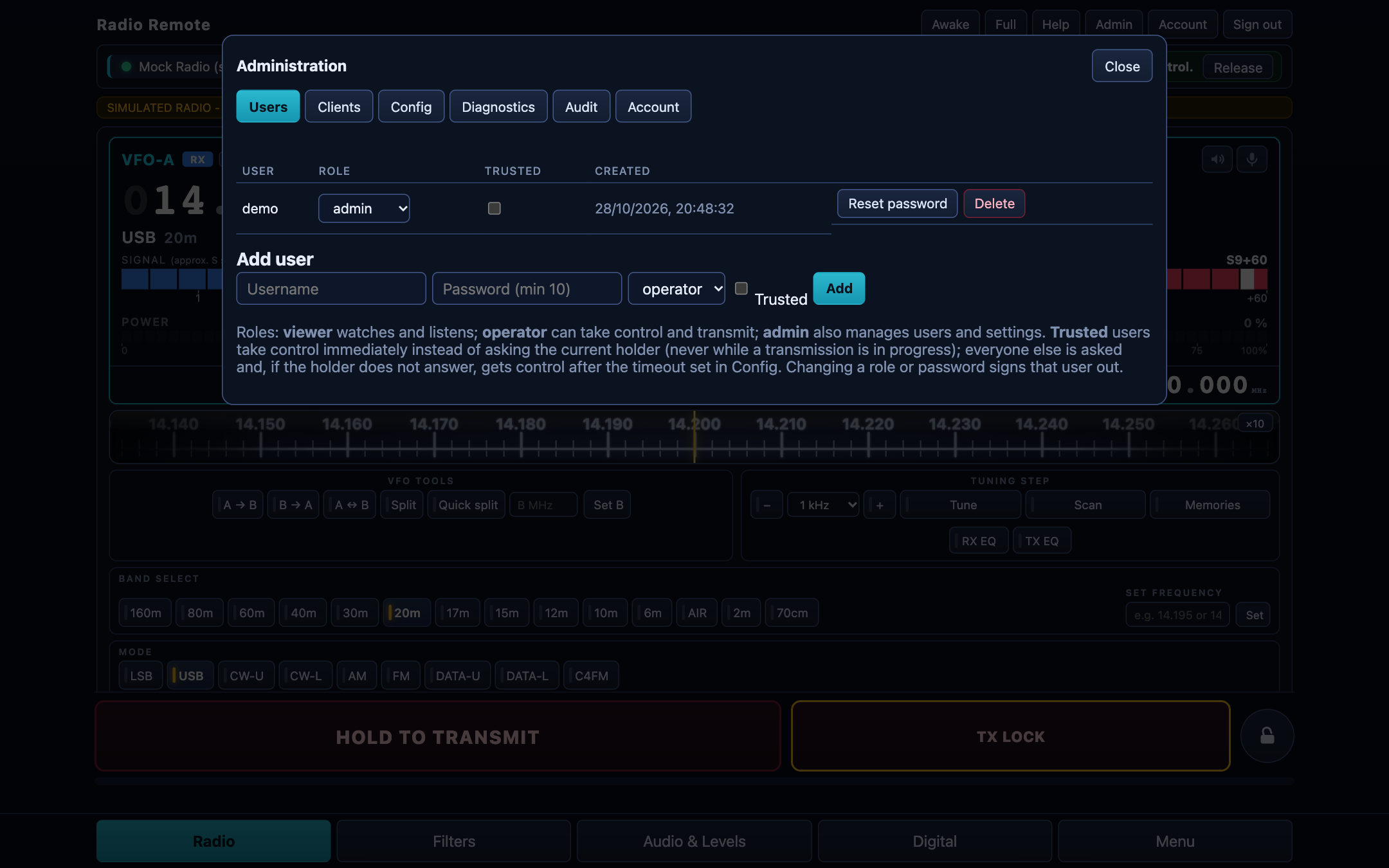
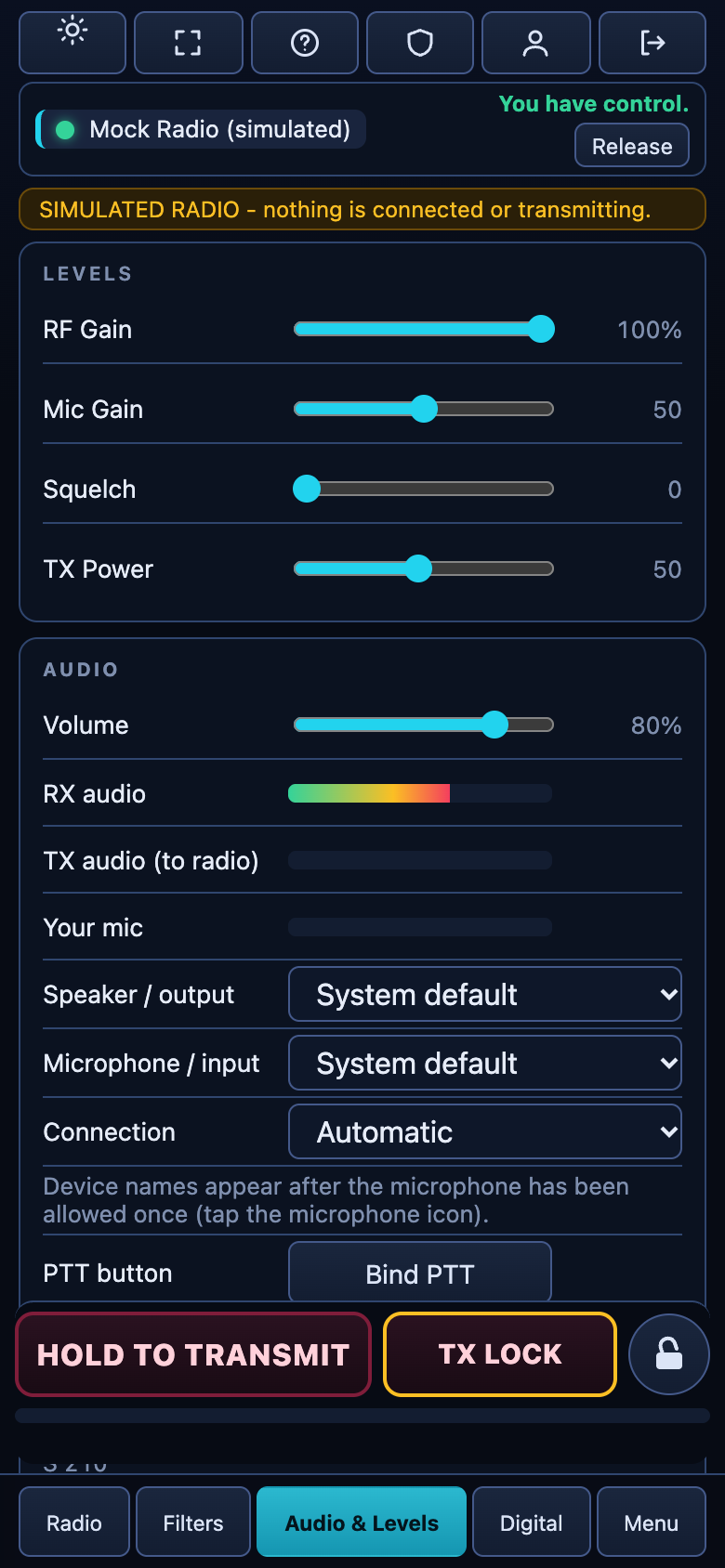
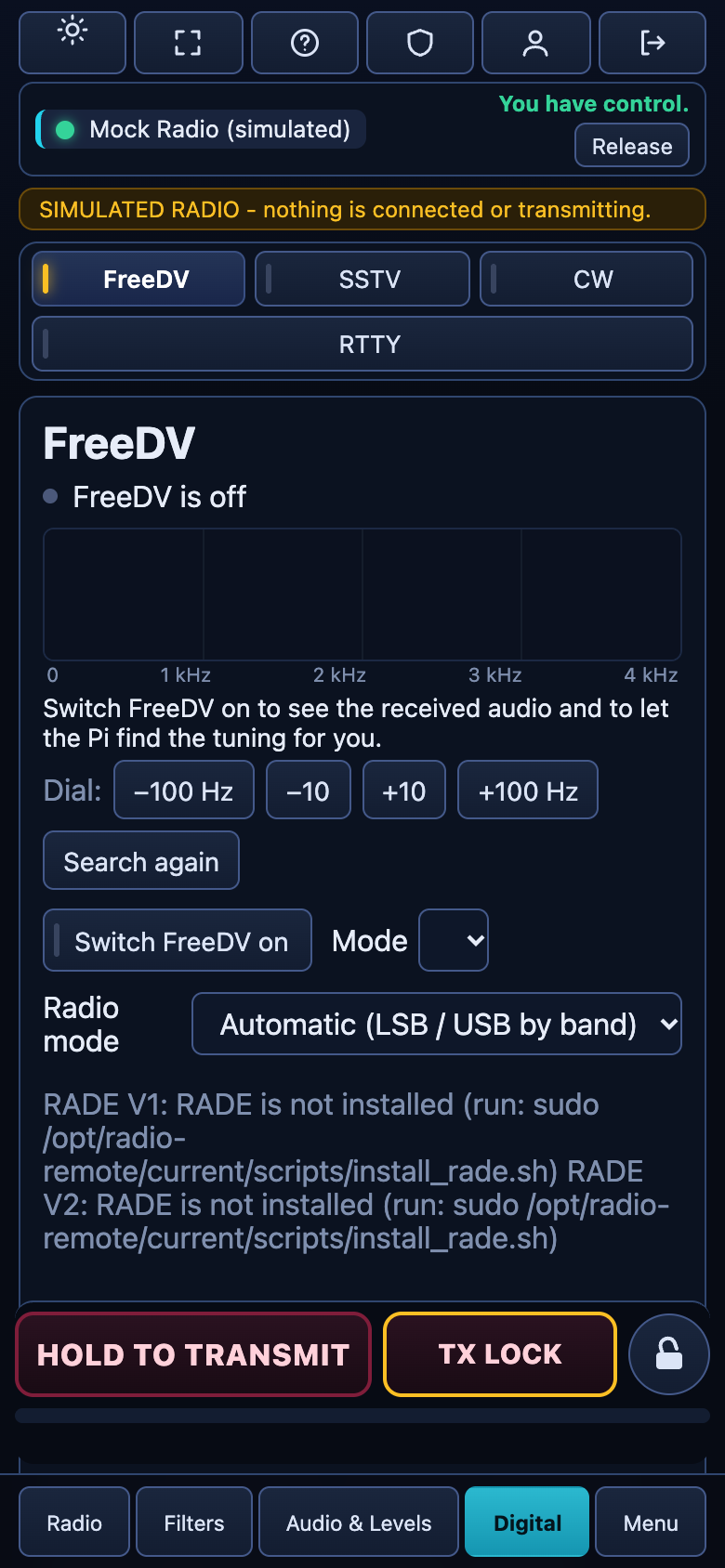
Screens recorded with the built-in simulator (hence the yellow banner), so no real radio or callsign is shown.
Built to be safe on the air
A transmitter on your licence deserves care. Radio Remote enforces the important rules on the Pi, not just in the page.
Off until you say so
Transmitting is disabled after install. An administrator switches it on, with a password, after testing on a dummy load.
One operator at a time
Many people can watch and listen; only one controls. Control passes on request, and nobody can take it while the radio is transmitting.
A watchdog on the Pi
The Pi un-keys the radio if the page goes quiet, the network drops, or the transmit time limit is reached. The page warns you with a beep a few seconds before.
Supported radios
| Radio | Status | Notes |
|---|---|---|
| Yaesu FT-991A | Verified | Tested on a real radio. CAT and audio travel over the same USB cable. |
| Yaesu FTDX101D | Verified | Tested on a real radio, with main and sub receivers. |
| Yaesu FTDX101MP | Experimental | Same commands as the D. |
| Yaesu FTDX10, FT-710 | Experimental | Written from the manuals and tested against a simulator only. Reports welcome. |
Get started in three steps
Get a Raspberry Pi 4 or 5
With a power supply, an SD card and the USB cable from your radio. Or use a Debian PC.
Write the ready-made image
One image for the SD card with Raspberry Pi Imager. Set your name, password and Wi-Fi, put the card in the Pi and switch on. Step-by-step for the Pi or install on a Debian PC.
Open the page
Browse to
https://radio.local, create the administrator with your callsign, choose the radio model, and you are on the air.