 Radio Remote
What Radio Remote does
A tour of the main parts. Each one is described in more detail in the documentation.
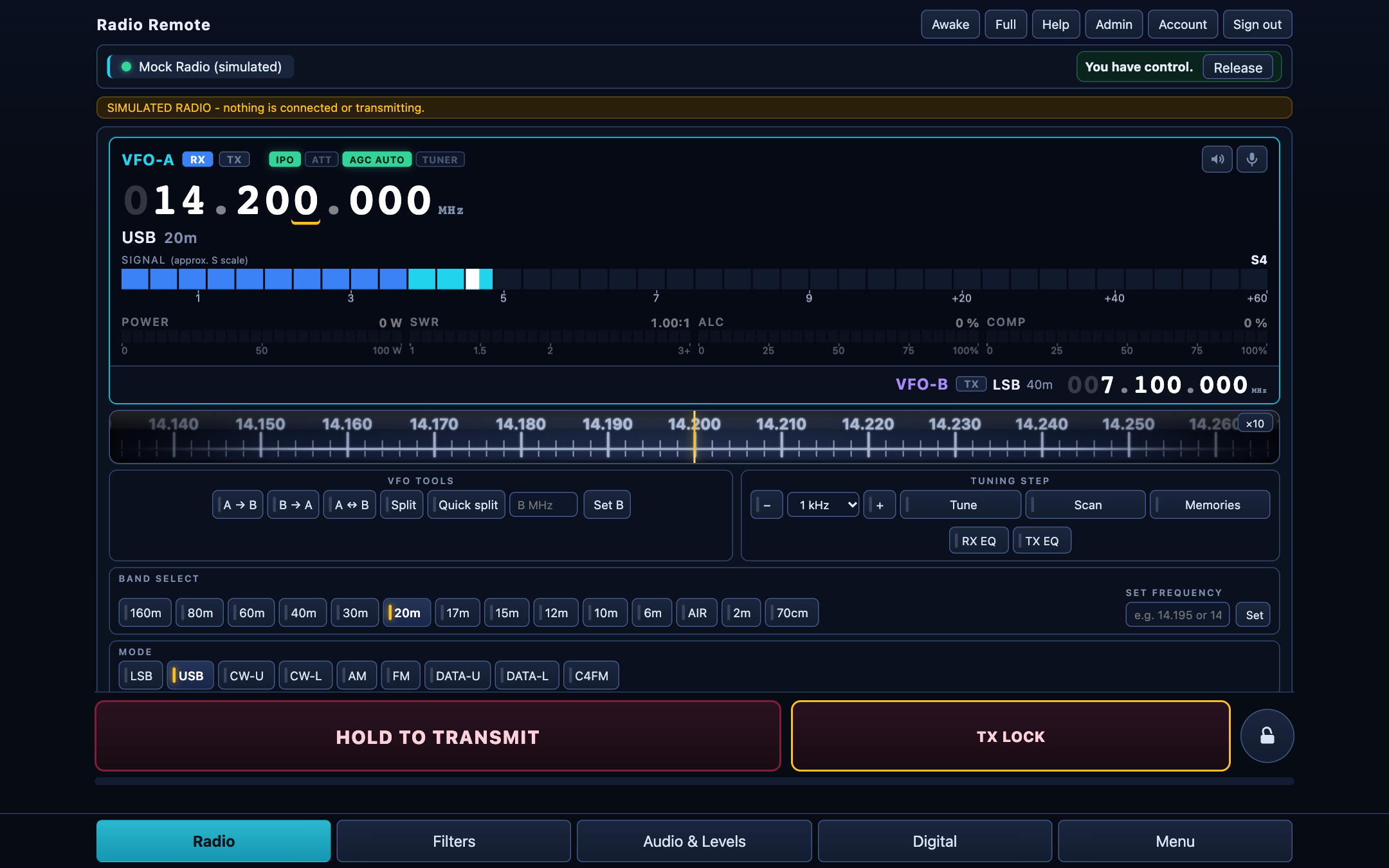
The radio screen
- Frequency and tuning: a large display (tap a digit to change it), a dial you can drag, step buttons and a "set frequency" box.
- Meters: S-meter, power, SWR, ALC and compression.
- VFO A and B, split, quick split, bands, modes (LSB, USB, CW, AM, FM, DATA and more), antenna tuner, scan.
- Skins and lights: choose which status lights (preamp, ATT, AGC, tuner) you see.
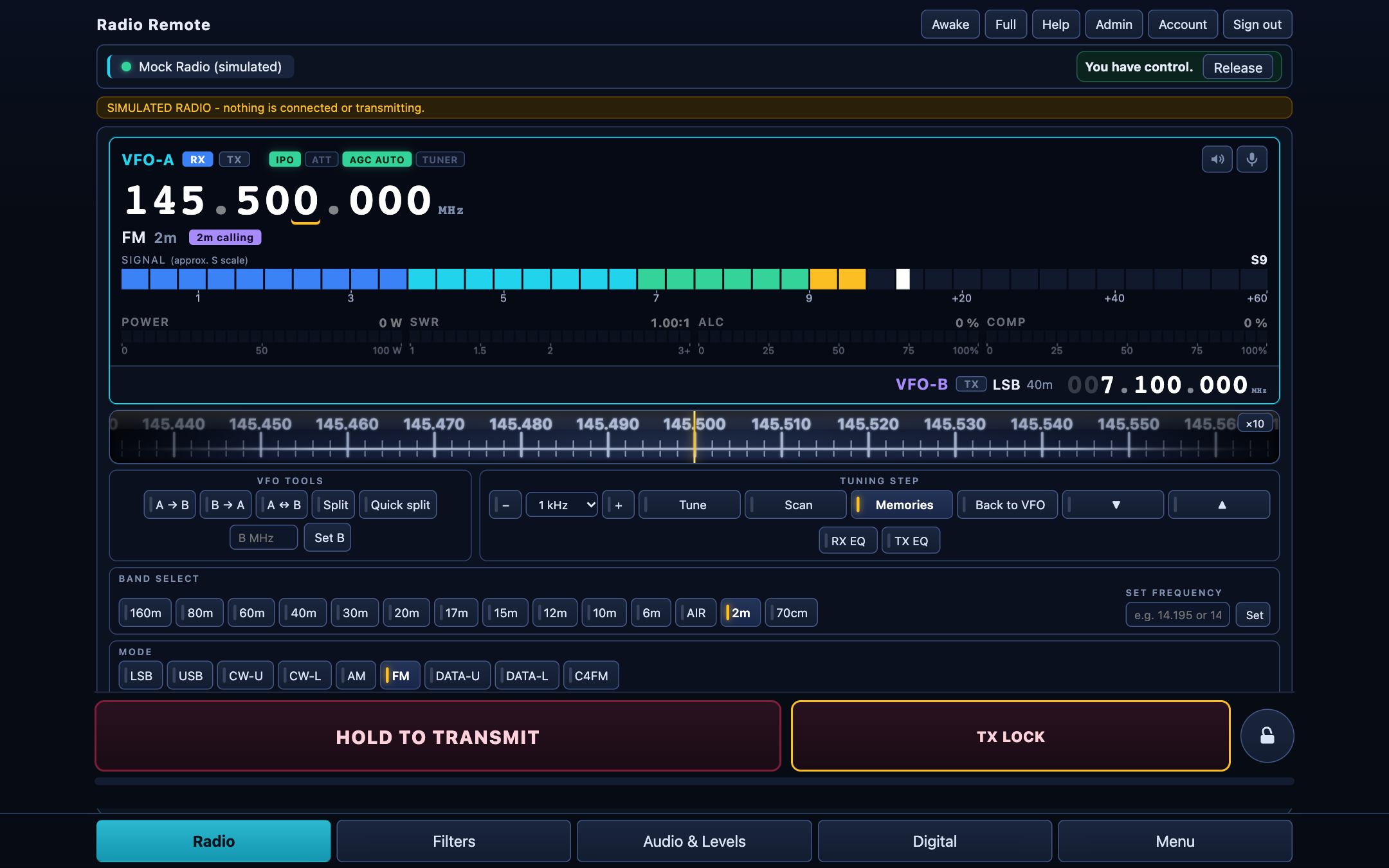
Memories, by name
The radio's memory channels, read from the radio. In memory mode the main screen shows the channel name you stored (not just a number), and up and down buttons step to the previous or next stored channel.
- Filter by name, frequency or mode; recall with a tap.
- Administrators can add, edit and delete channels (shift and tone included), and export the list as a CSV backup.
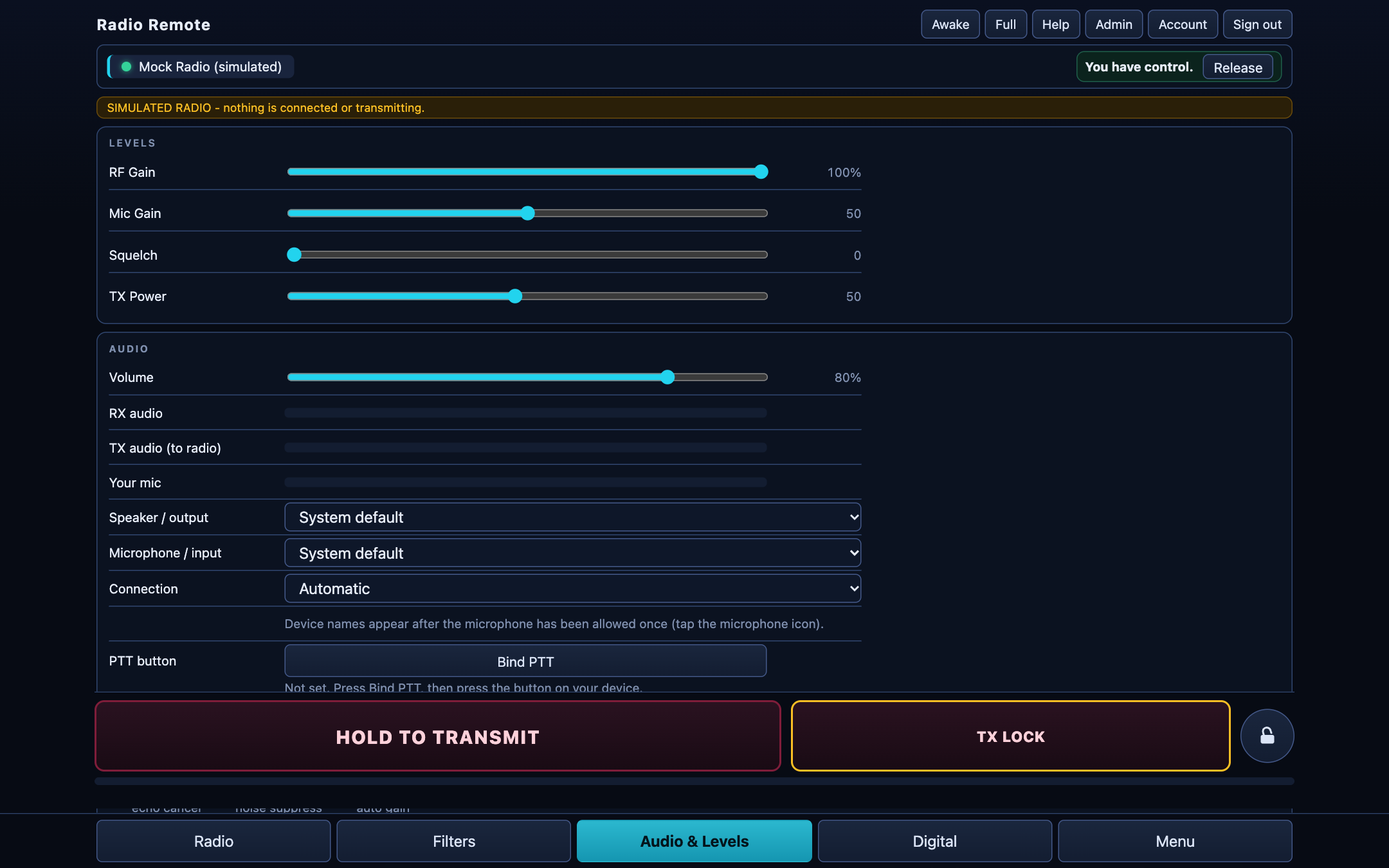
Audio, both ways
Listen to the radio and use your microphone from the browser. The audio goes over the network with the Opus codec, so it works over the internet as well as at home.
- Receive and transmit equalisers, level meters, a limiter on the microphone path.
- A recorder keeps the last clips of received audio.
- The microphone needs a secure (HTTPS) address, which the installer sets up.
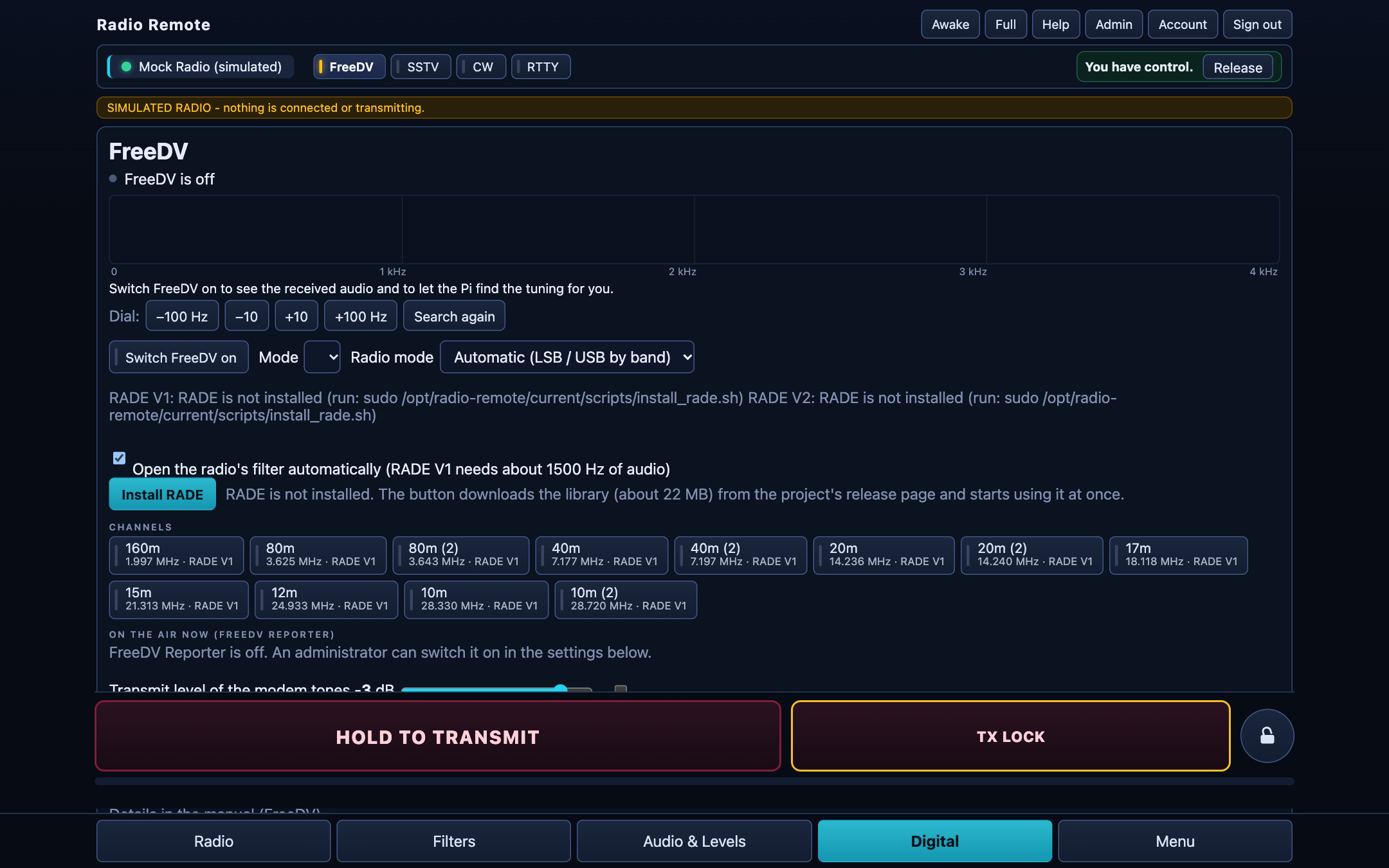
Digital modes inside the page
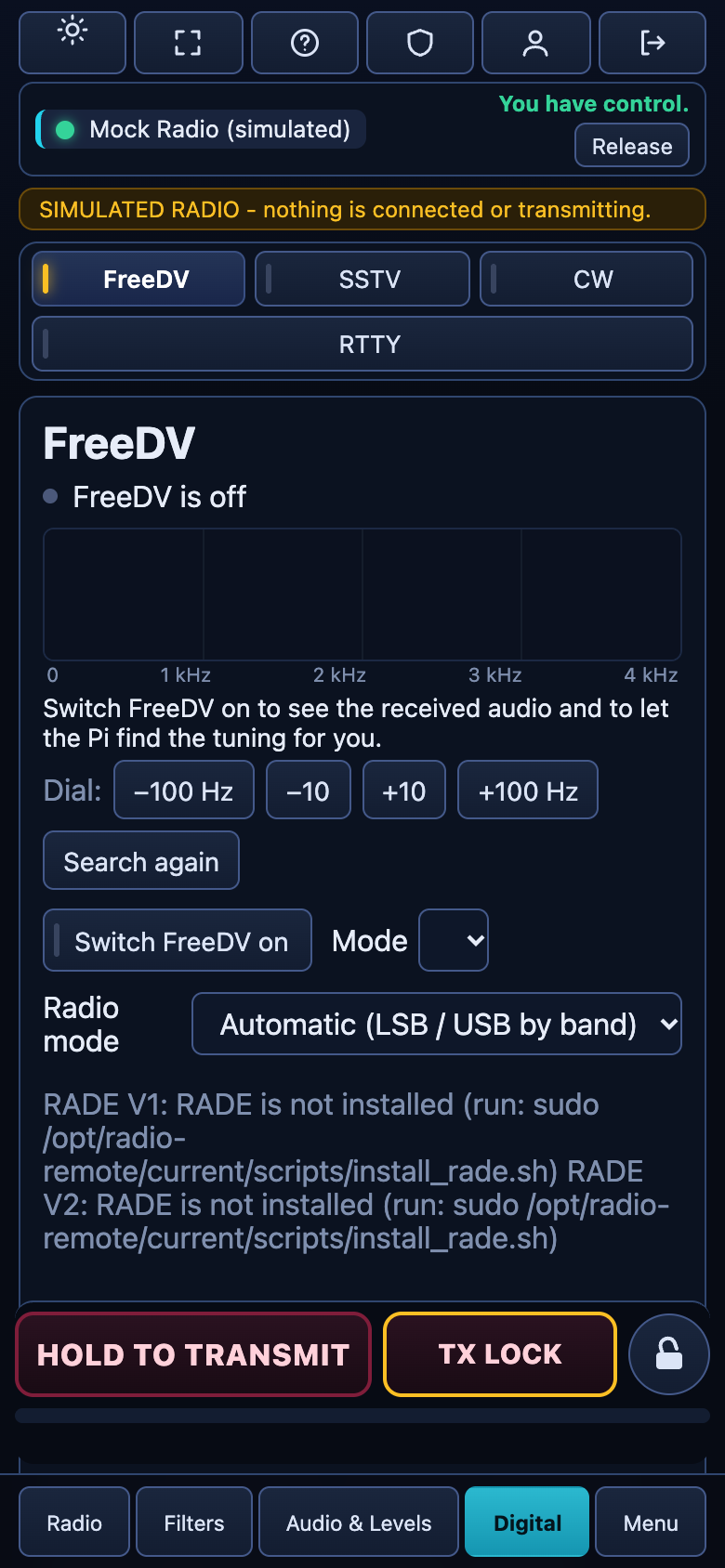
- FreeDV with the neural RADE modes, channel buttons for each band, and the FreeDV Reporter.
- FT8 and FT4, with a QSO helper.
- JS8Call next to the app (Linux).
- SSTV: receive and send pictures, for example from the ISS.
- CW decoder and keyer with memories, and RTTY.
For each mode you choose the radio's mode (USB, LSB, DATA-U, DATA-L, FM) that suits your radio setup.
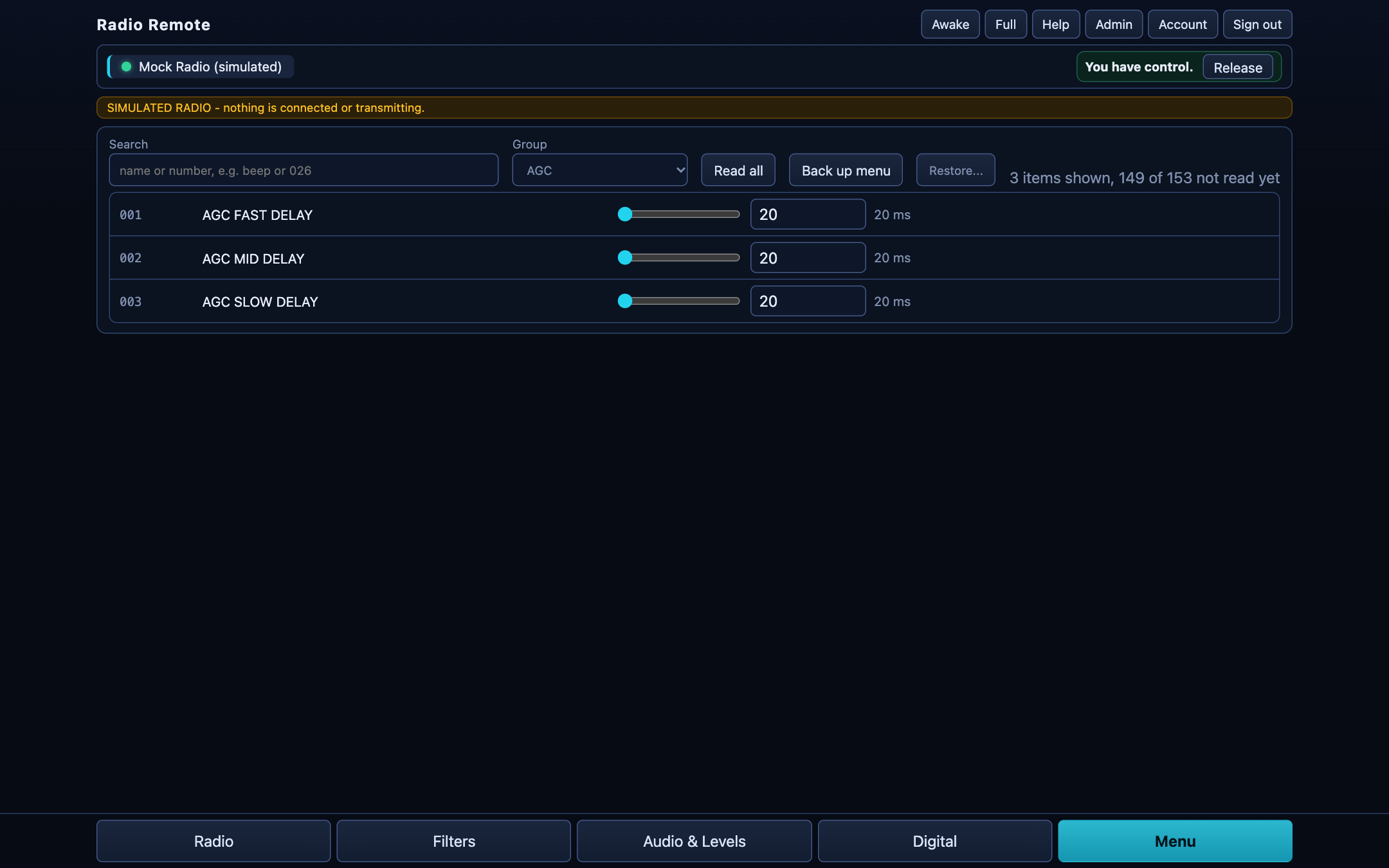
The radio's own menu
Every item the radio's CAT manual lists, in groups, with search. Read them all, change what you need, back up the whole menu to a file and restore it later. Items that could cut the link to the radio are shown but locked.
Built for five models: FT-991A, FTDX101D / MP, FTDX10 and FT-710.
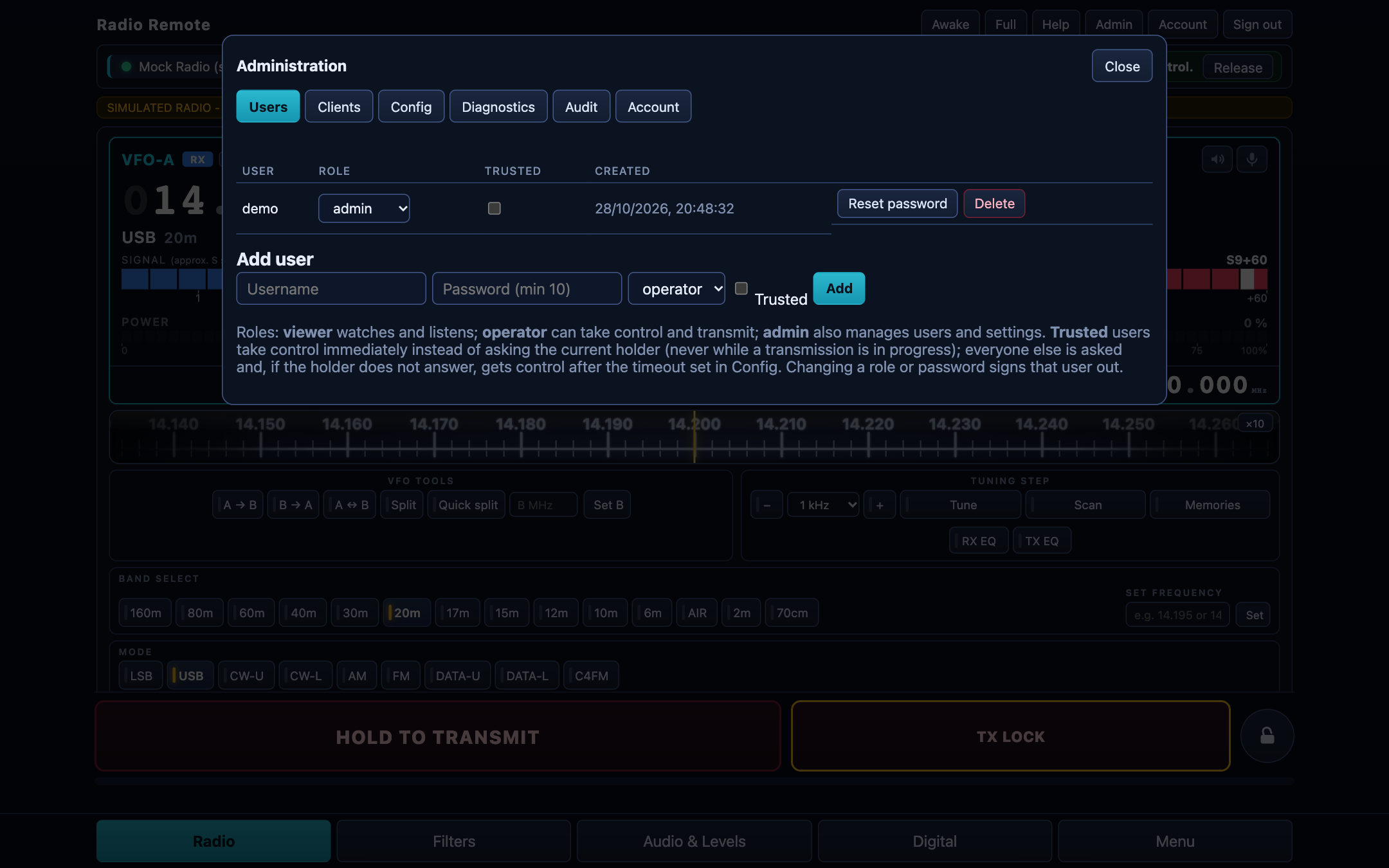
Users and safety
- Three roles: viewer (watch and listen), operator (control and transmit), administrator (everything).
- One in control at a time, with a request-and-hand-over flow.
- Transmit time limit enforced by the Pi, with an audible warning shortly before it (you choose if and how early).
- Un-key on silence: if the page stops sending its heartbeat, the Pi releases the radio.
- Screen lock on a device, so a stray touch cannot transmit.
- Audit log of important actions.
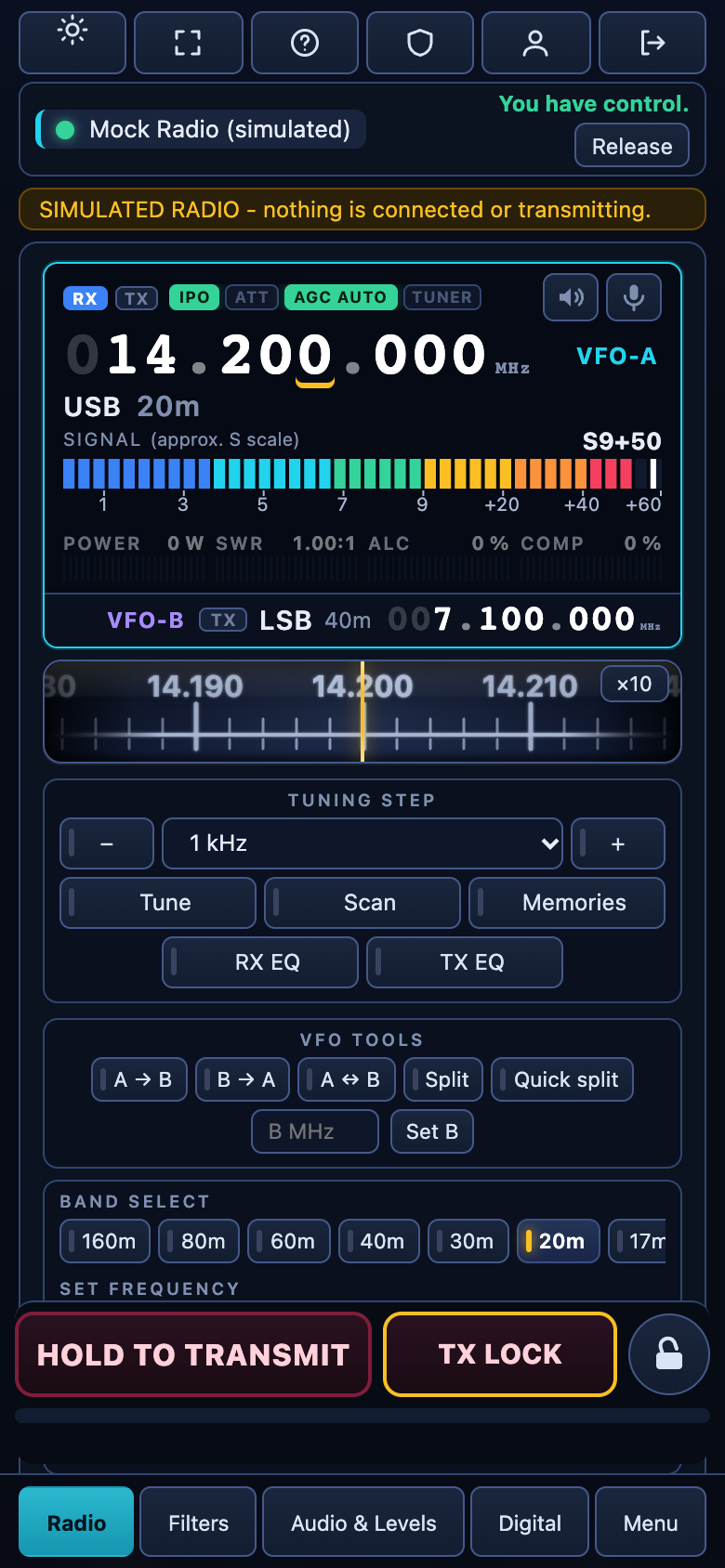
On a phone or tablet
The layout adapts: four tabs on a phone, a wider layout on a tablet. Add the page to the home screen to run it full screen like an app.
Two push-to-talk buttons: hold to transmit and TX lock for hands-free. Small helpers for Android and Mac let an external Bluetooth button (a camera shutter, a remote) act as PTT.
And more
Remote access
Reach your radio from anywhere with Tailscale: a private network with a real HTTPS name, and no router ports to open.
Logbook link
A Hamlib-compatible rigctl server lets Log4OM, N1MM+, CQRLOG and others follow the radio and change frequency and mode.
QSO log and uploads
A contact log panel, with upload to QRZ, eQSL and Club Log.
Updates in one click
Administrators see when a new release exists and update from the page. A failed update rolls back by itself.
Backup and restore
Save and restore the whole configuration, and the radio's menu, from the admin page.
A built-in simulator
Try everything, or develop new features, without a radio connected.